 OwnPDF
An Adobe Acrobat alternative you pay for once
For anyone paying for Acrobat Pro just to edit, sign or redact a PDF now and then. Acrobat Pro is $19.99 a month on a yearly plan. That’s $239.88 a year. OwnPDF does those everyday jobs for $19.99 once, about the price of one month of Acrobat.
OwnPDF vs Adobe Acrobat Pro
| OwnPDF | Adobe Acrobat Pro | |
|---|---|---|
| What you pay | $19.99 once (free tools stay free) | $19.99/month on an annual plan ($239.88/year) |
| Subscription | No — yours for good | Yes |
| Cancelling | Nothing to cancel | Early-termination fee if you cancel the annual plan in the first year |
| Account needed | No | Yes (Adobe account) |
| Where your files go | Stay on your computer, even offline | Desktop app: your computer · online tools: Adobe’s servers |
Prices from their public pricing pages, checked November 2026: Adobe Acrobat pricing · FTC, U.S. v. Adobe (filed June 2024). Adobe is a trademark of its owner; OwnPDF is independent and not affiliated.
Stay with Acrobat if you prep files for a print shop, need others to sign and track, or edit on your phone. For your own PDFs on a computer, OwnPDF does the job with no yearly bill.
How to switch from Acrobat with OwnPDF
Add OwnPDF to Chrome, Edge or Brave
It’s free, and you don’t need an account. Merge, split, organize and lossless compression are free for good.
Try it on your real PDFs
Edit a line of text, sign a form, redact a page — everything runs on your computer.
Pay once for the rest
$19.99 for the lifetime license, on 2 computers. Then cancel the plan you no longer need.
Questions
Does OwnPDF edit text like Acrobat?
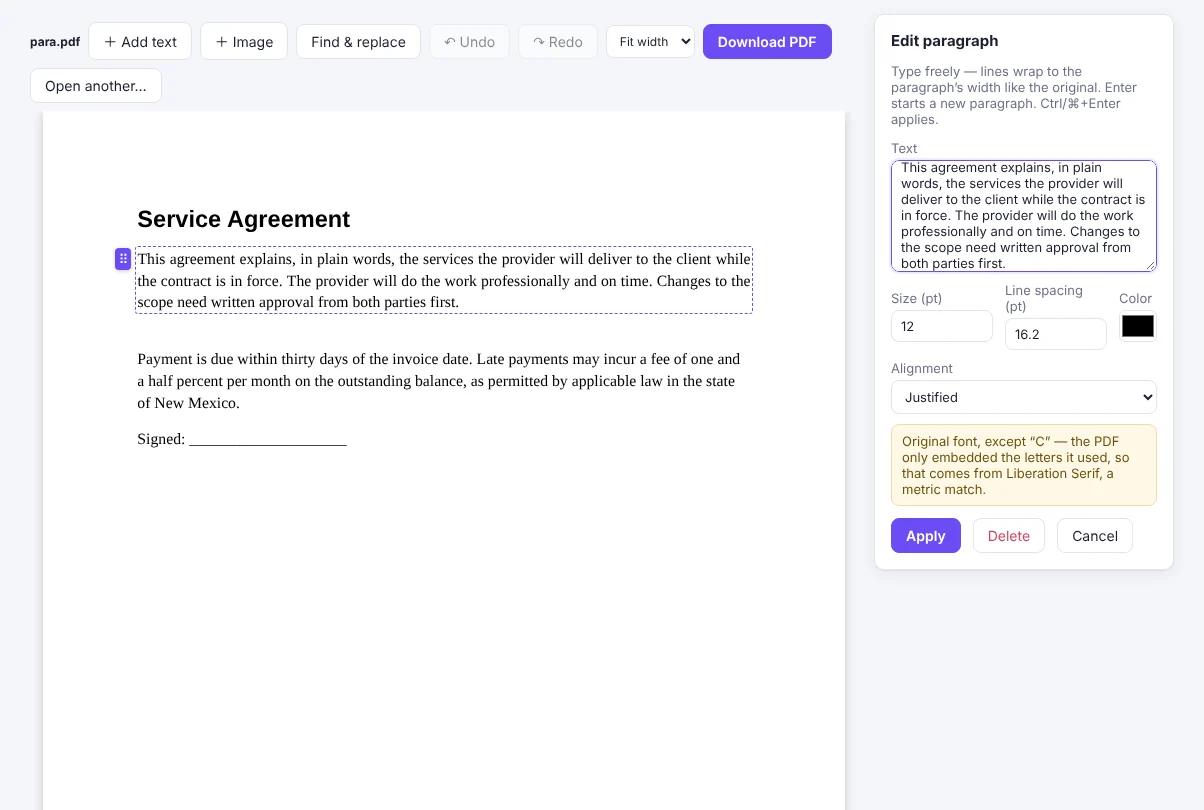
Yes. Click a line and type: OwnPDF reuses the PDF’s own embedded font and re-flows whole paragraphs, and the old text is removed from the file.
Can it replace Acrobat for redaction?
Yes. It removes the text, images and hidden data under each box. Then it checks the file before you download it.
What does OwnPDF not do?
It has no phone app and no print-shop tools, and it can’t send a file to other people to sign. It’s built for working on your own PDFs, in private.
Do I get updates?
Yes. Updates are included with the license. You don’t pay again.
Pay once and keep it.
Start with the free tools. Unlock everything for $19.99, one time.
More guides