 OwnPDF
Sign a PDF without uploading it anywhere
For anyone who needs to sign a form without making an account. E-signature sites want your file on their servers. OwnPDF lets you fill in and sign PDFs on your own computer.
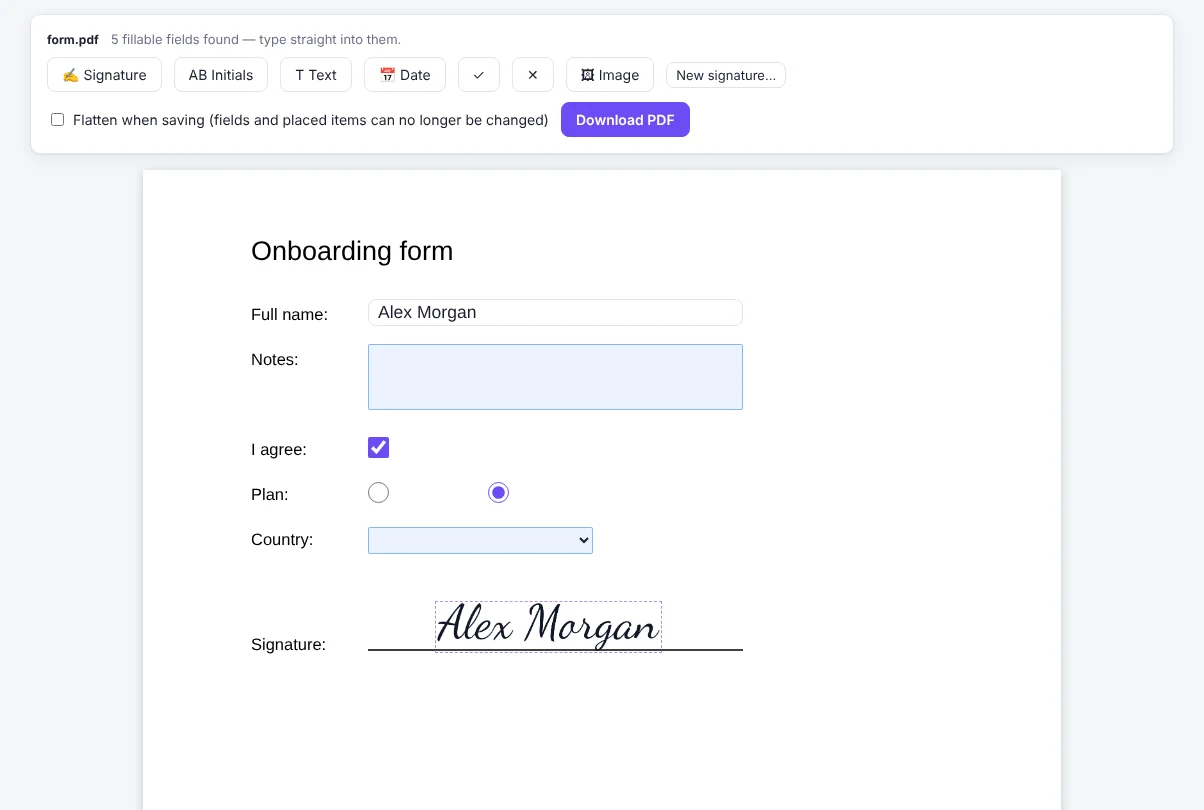
How to sign a PDF without uploading it with OwnPDF
Open the PDF in Sign & fill
Form fields become fillable boxes.
Add your signature
Draw it, type it in a handwriting font, or use a photo of it. OwnPDF removes the background for you.
Download
You can lock it so nothing can be changed.
Questions
Is my signature stored online?
No. A saved signature stays in this browser only.
Is it legally binding?
Many documents accept a simple e-signature. The rules differ by country and by document, so check what yours needs.
Can I fill forms without signing?
Yes.
What if the form has no fillable fields?
OwnPDF marks the blank lines and boxes for you, even on a scanned form. Click one to type, or click “Fill my details” to fill your name, email, address and date in one go.
Pay once and keep it.
Start with the free tools. Unlock everything for $19.99, one time.
More guides