 OwnPDF
A Smallpdf alternative that never uploads your files
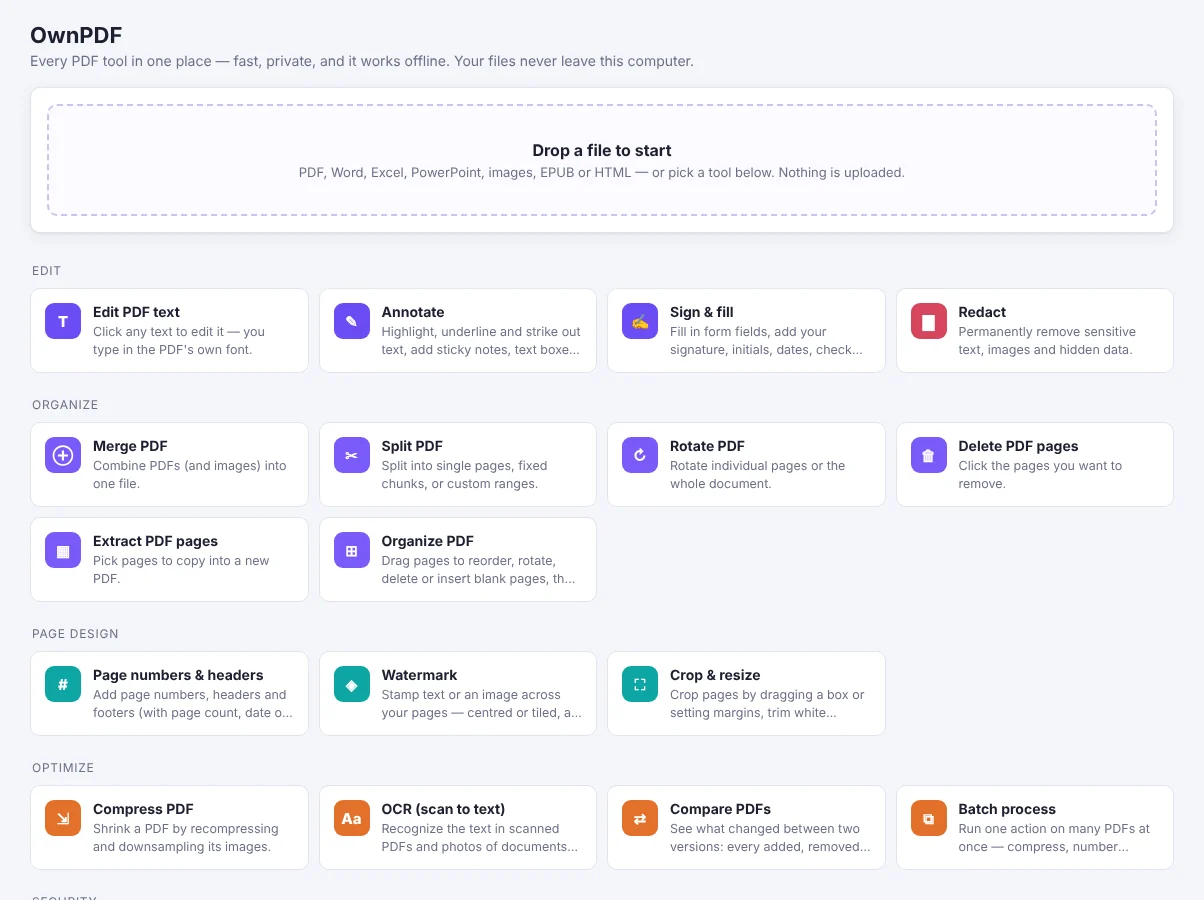
For people who use Smallpdf to merge, shrink or sign files. Its web app uploads your files, and Pro costs $9–15 a month. OwnPDF does the same jobs inside your browser. Your files stay on your computer, and you pay once.
OwnPDF vs Smallpdf Pro
| OwnPDF | Smallpdf Pro | |
|---|---|---|
| What you pay | $19.99 once (free tools stay free) | $9–15/month |
| Subscription | No — yours for good | Yes |
| Cancelling | Nothing to cancel | Cancel the subscription |
| Account needed | No | Yes |
| Where your files go | Stay on your computer, even offline | Web app uploads them to Smallpdf’s servers |
Prices from their public pricing pages, checked November 2026: Smallpdf pricing. Smallpdf is a trademark of its owner; OwnPDF is independent and not affiliated.
Stay with Smallpdf if you work mostly on your phone or need other people to sign your files. If you work on your own PDFs on a computer, OwnPDF does it with no uploads and no monthly plan.
How to switch from Smallpdf with OwnPDF
Add OwnPDF to your browser
Free from the Chrome Web Store; works in Chrome, Edge and Brave.
Do your usual jobs
Merge, split, lossless compression and images to PDF are free, with no daily limit.
Unlock the rest once
Text editing, signing, redaction, OCR, Office conversions and more: $19.99, once.
Questions
Are there daily limits on the free tools?
No. The free tools are unlimited and never add a watermark.
Is it as easy as Smallpdf?
Yes. Drop in a file, pick a tool, download. The difference: nothing is uploaded, so it works offline too.
Can I compress without losing quality?
Yes. Lossless mode (free) changes nothing you can see; stronger levels shrink images when size matters.
Pay once and keep it.
Start with the free tools. Unlock everything for $19.99, one time.
More guides